How It Works
Simplify your insider reporting with our intuitive Section 16 platform. Our 8-step process ensures your Section 16 Form 3, 4, and 5 filings are accurate, compliant, and on time:
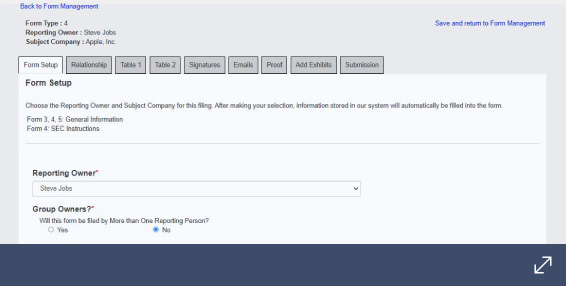
1. Form Setup: Instantly create a new Form 4 in our system, pre-populated with your company and insider data for a streamlined start. RaporEng
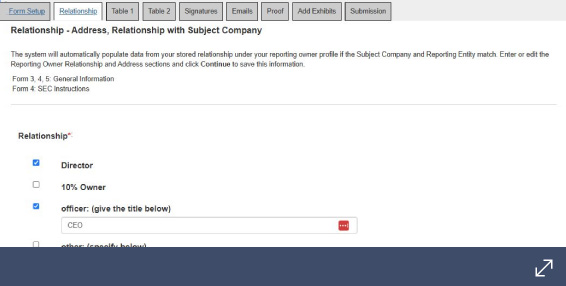
2. Relationship: Pre-populate the reporting person and subject company's relationship from the Entities library to save time on future filings.
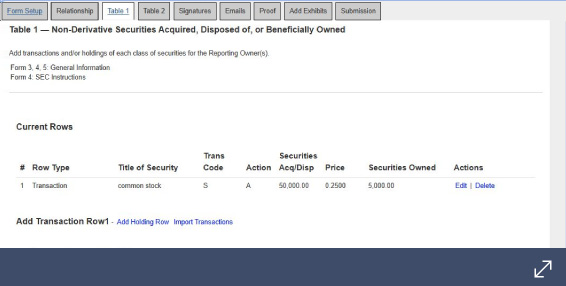
3. Table I and II: Effortlessly enter new data or populate transaction details directly from our Holding Row and Footnote libraries.
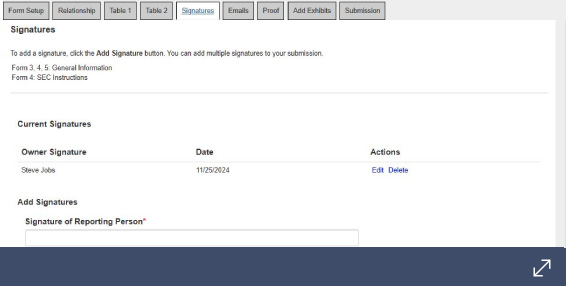
4. Signatures: Add one or multiple signatures with dates and
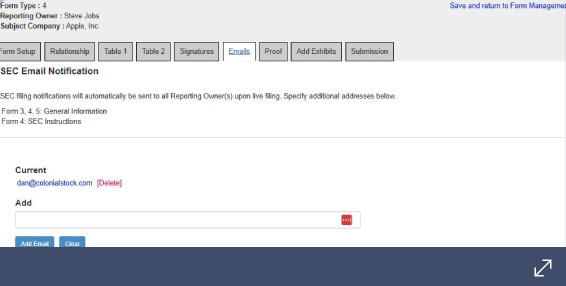
5. Emails: Automatically generate and send confirmation emails once filing is submitted.
6. Proofs: Generate a proof of the form and email it to appropriate parties.
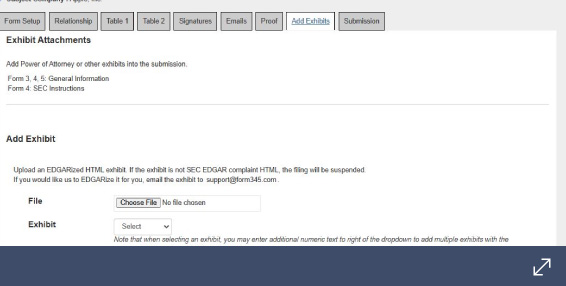
7. Add Exhibits: Attach any necessary exhibits, such as power of attorney attachments.
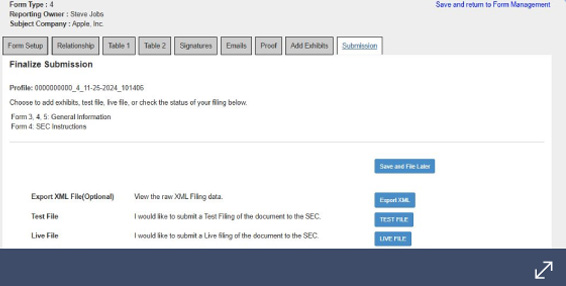
8. Test and Live File: Review your filing in our testing environment before seamlessly submitting your Form 4 to the SEC with just one click.